
Current approach
Public pages use semantic headings and landmarks, a skip link, keyboard-reachable navigation, visible focus, reduced-motion handling, forced-colors support, and responsive content. The application supports multiple themes and labels interactive controls for assistive technology.
Dense financial information
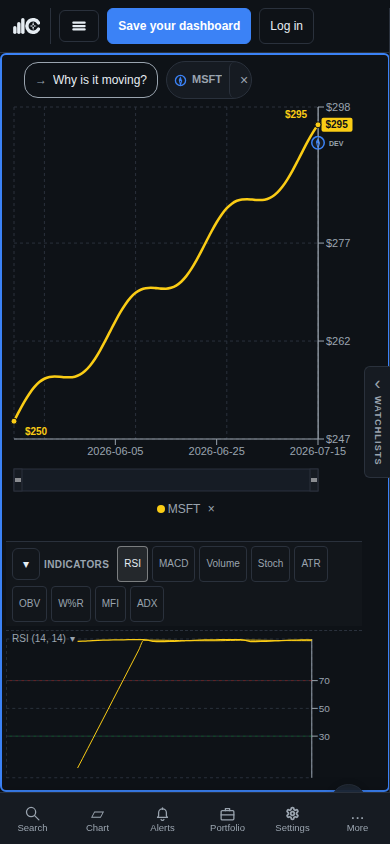
Charts and data tables are inherently visual and can contain dense relationships. ChartCompass adds textual labels, tabular values, summaries, and keyboard paths where supported, but some advanced chart interactions may still require improvement.
Supported conditions
Layouts are tested across desktop, small laptop, tablet, phone portrait, and short landscape viewports. Browser zoom, operating-system contrast, reduced motion, keyboard-only use, and common screen-reader semantics are considered; this is not a claim of formal certification.
Report a barrier
Use the accessibility topic on the contact form. Include the page, task, browser, device or assistive technology, and the barrier encountered, but do not include passwords, payment details, or other secrets. ChartCompass will use that context to investigate the product surface.