Spring til hovedindholdet
DA
Menu
Portfolio and risk

See your whole portfolio at a glance

Add your holdings in a minute and see what you actually own: which stocks, sectors and countries carry most of the weight, and how a bad day could look.

ChartCompass demonstration adding a holding to a portfolio and seeing the concentration and risk summary update.
See concentration and risk as you add holdings · synthetic demonstration book.

Import in a minute

Upload a CSV file from your broker or a screenshot of your holdings. ChartCompass reads the positions for you.
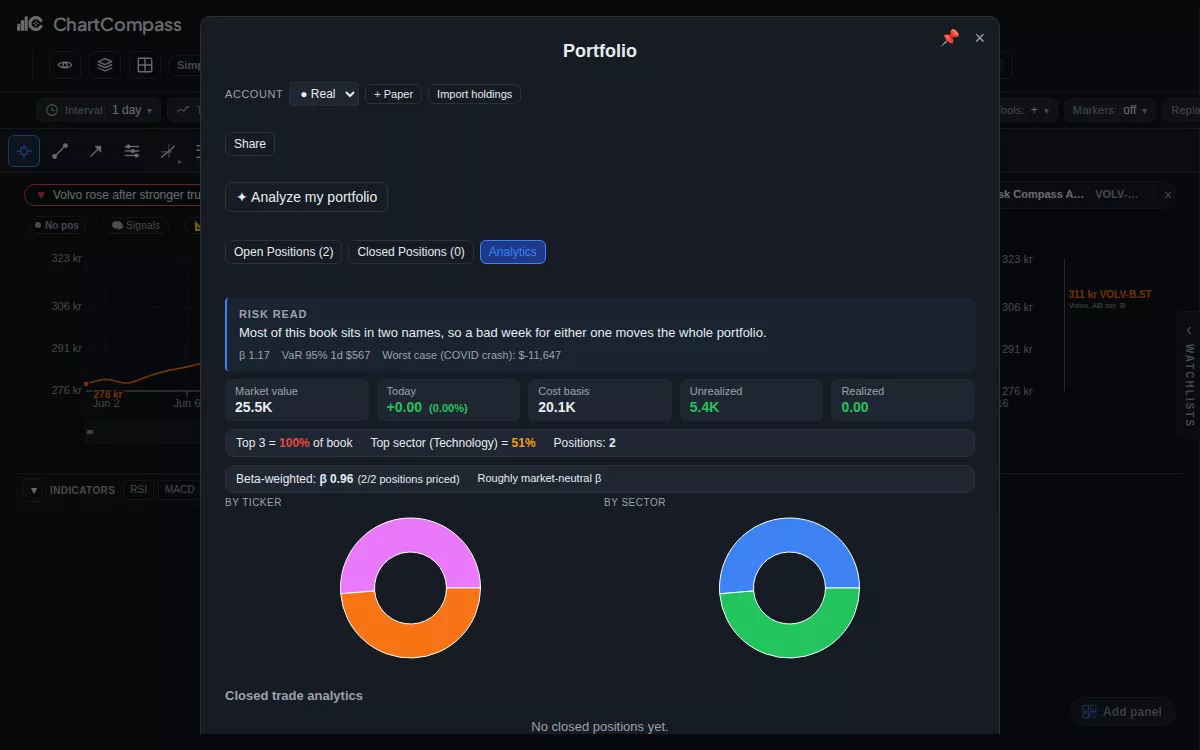
ChartCompass demonstration adding a holding to a portfolio and seeing the concentration and risk summary update.
See concentration and risk as you add holdings · synthetic demonstration book.

See where you are concentrated

A warning appears when one stock, sector or country makes up a large share of the portfolio, so the risk is visible before it surprises you.

ChartCompass demonstration adding a holding to a portfolio and seeing the concentration and risk summary update.
See concentration and risk as you add holdings · synthetic demonstration book.

Keep tax lots and a journal

Every purchase is kept as its own tax lot, with an export for your tax return, and a journal records why you bought.
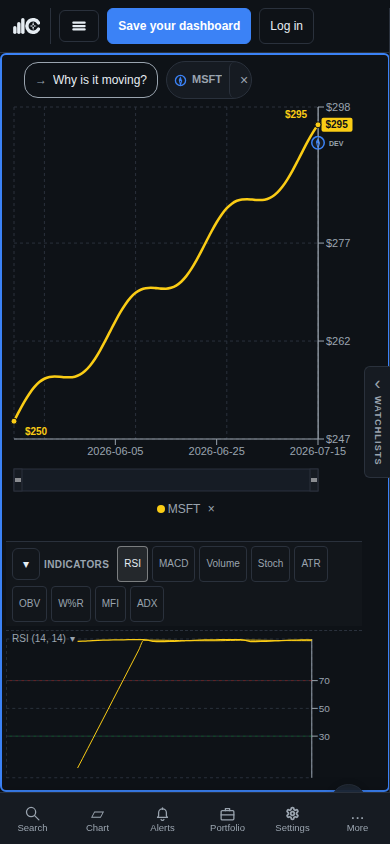
ChartCompass phone demonstration with a readable Volvo chart, a marked move, indicators, and compact bottom navigation.
The chart-first workspace remains usable on a phone-sized viewport.

Test a bad day

Stress scenarios show roughly how the portfolio would have fared in past market falls. It is a picture of risk, not a forecast.
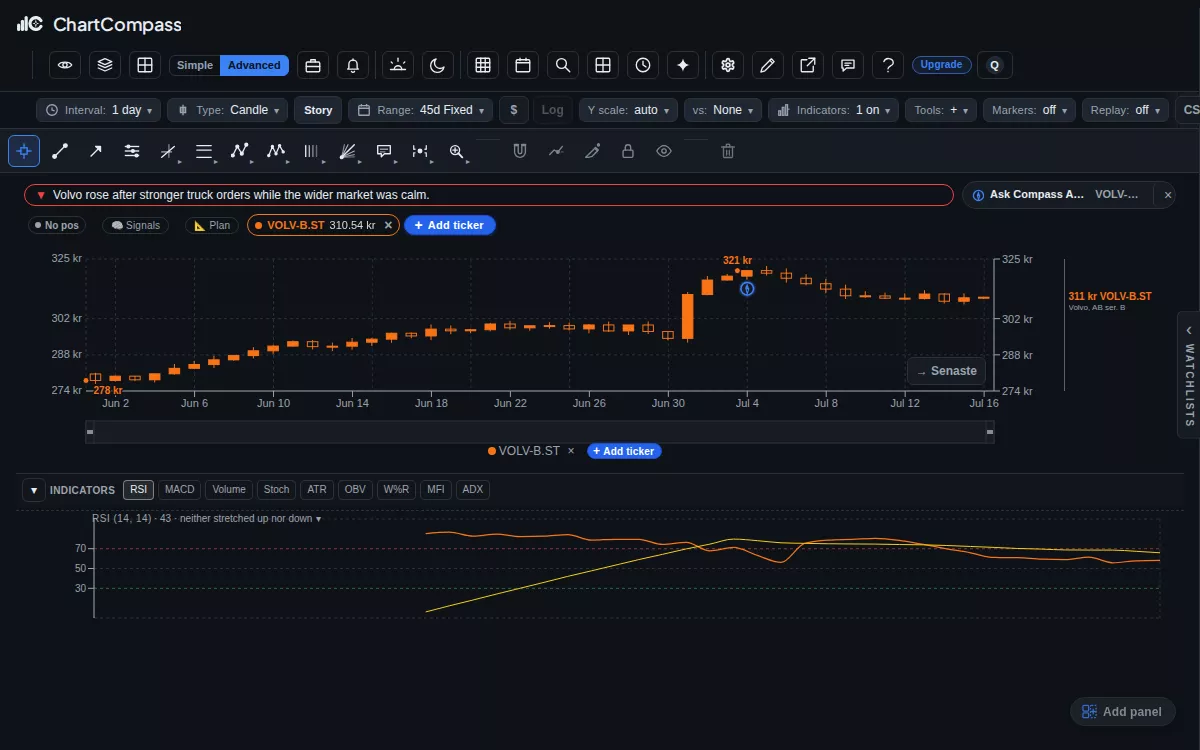
ChartCompass demonstration switching a Volvo chart from line to candles and adding the RSI indicator pane.
Switch chart types and add indicators in a click · isolated demonstration data.

Add your first holding

Free: portfolio, journal and tax lots. Essential: more room for private portfolio and tax work. Stress tests start with Premium.

Open ChartCompass